
Overview
The HGM generic CAN bus harness (CAN-6) is provided to help integrate a COMPUSHIFT controller into a CAN network. This harness has parts to build or extending an existing CAN bus network.
This guide assumes you have an existing ECU that does not have connections to a CAN bus network.
Instructions
-
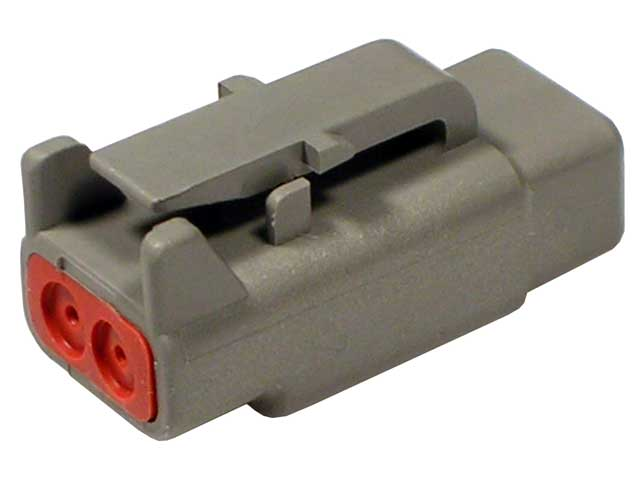
Find the gray connector on the COMPUSHIFT controller harness that looks like this:
-
The gray connector on the COMPUSHIFT controller plugs into the provided T connector. The T has two more sockets, both black: one is the 120 ohm terminator, and the other is the extension lead that goes to the engine ECU. The system is keyed so that black plugs go into black sockets, and gray plugs go into gray sockets. Devices are always gray, main line bus connections are always black.
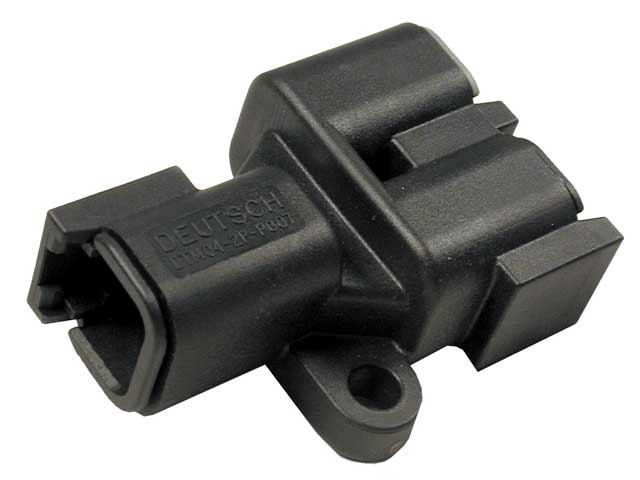
T connector
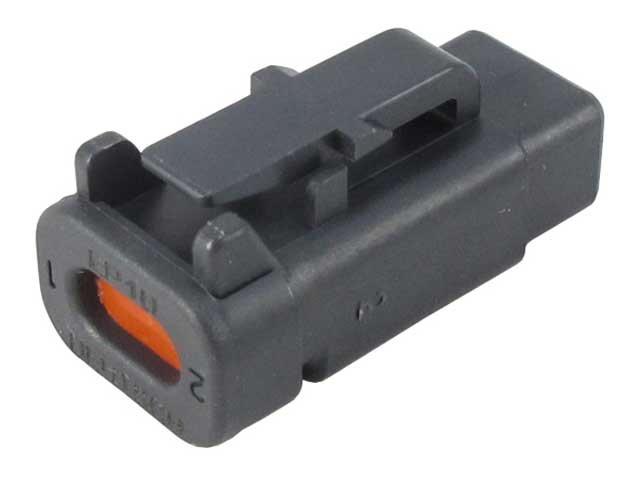
120 Ohm Terminator
-
Connect the supplied provided black receptacle to the engine ECU CAN bus wires. The connector is supplied with wire tails. Alternatively, you can remove those wire tails and crimp new male terminals (supplied) to insert into the black receptacle.
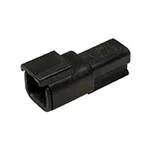
ECU harness connector
-
Insert the black plug coming from the main bus, which goes to the COMPUSHIFT controller into the socket you just attached to the network.
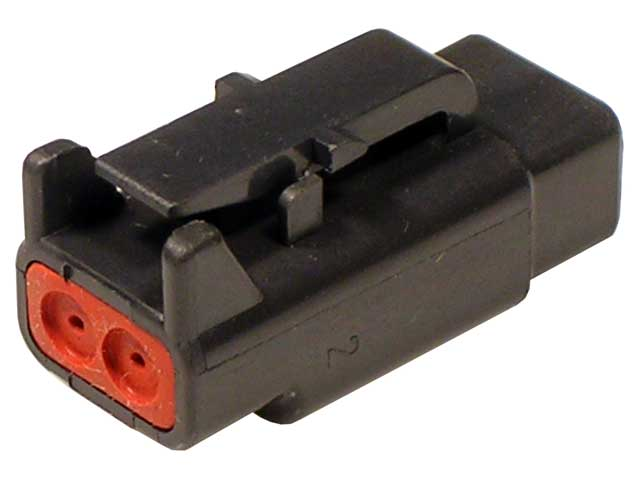
Black connector at end of the mainline CAN harness -
HGM CAN bus wires are a twisted pair. TAN/BLK is CAN H, TAN is CAN L.